
Advanced Security Features in Seekey Smart Glasses
Find quick, clear answers to your most common questions about Seekey’s smart glasses, designed to keep you informed and secure.
How do Seekey smart glasses protect my personal information?
Seekey smart glasses use encrypted data transmission and biometric authentication to safeguard your privacy at all times.
Can I use Seekey glasses with any smartphone?
Yes, Seekey glasses seamlessly connect with most smartphones via Bluetooth for a smooth, integrated experience.
What identification features are included in Seekey glasses?
Our glasses include facial recognition and secure ID verification to enhance your safety and convenience.
How do I update the software on my Seekey glasses?
Software updates are delivered automatically via the companion app to keep your glasses running smoothly.
Are Seekey smart glasses comfortable for all-day wear?
Designed with lightweight materials and ergonomic fit, Seekey glasses provide comfort throughout your day.
What happens if my Seekey glasses are lost or stolen?
You can remotely disable your glasses through the app to protect your data if they are lost or stolen.
How Seekey Works
Discover how Seekey’s smart glasses seamlessly connect you to your phone, enhancing convenience and security every step of the way.

Step One: Setting Up Your Smart Glasses
Begin by pairing your Seekey glasses with your smartphone, enabling seamless display of notifications and secure identification features.

Step Two: Navigating Your Display
Learn to effortlessly browse your phone’s content through your lenses, maintaining full control without interrupting your daily flow.

Step Three: Enhancing Security and Convenience
Experience how Seekey integrates advanced security measures to protect your data while providing hands-free access to essential information.
The Future of Identification with Smart Glasses
Discover comprehensive FAQs to help you master Seekey’s cutting-edge smart glasses technology.
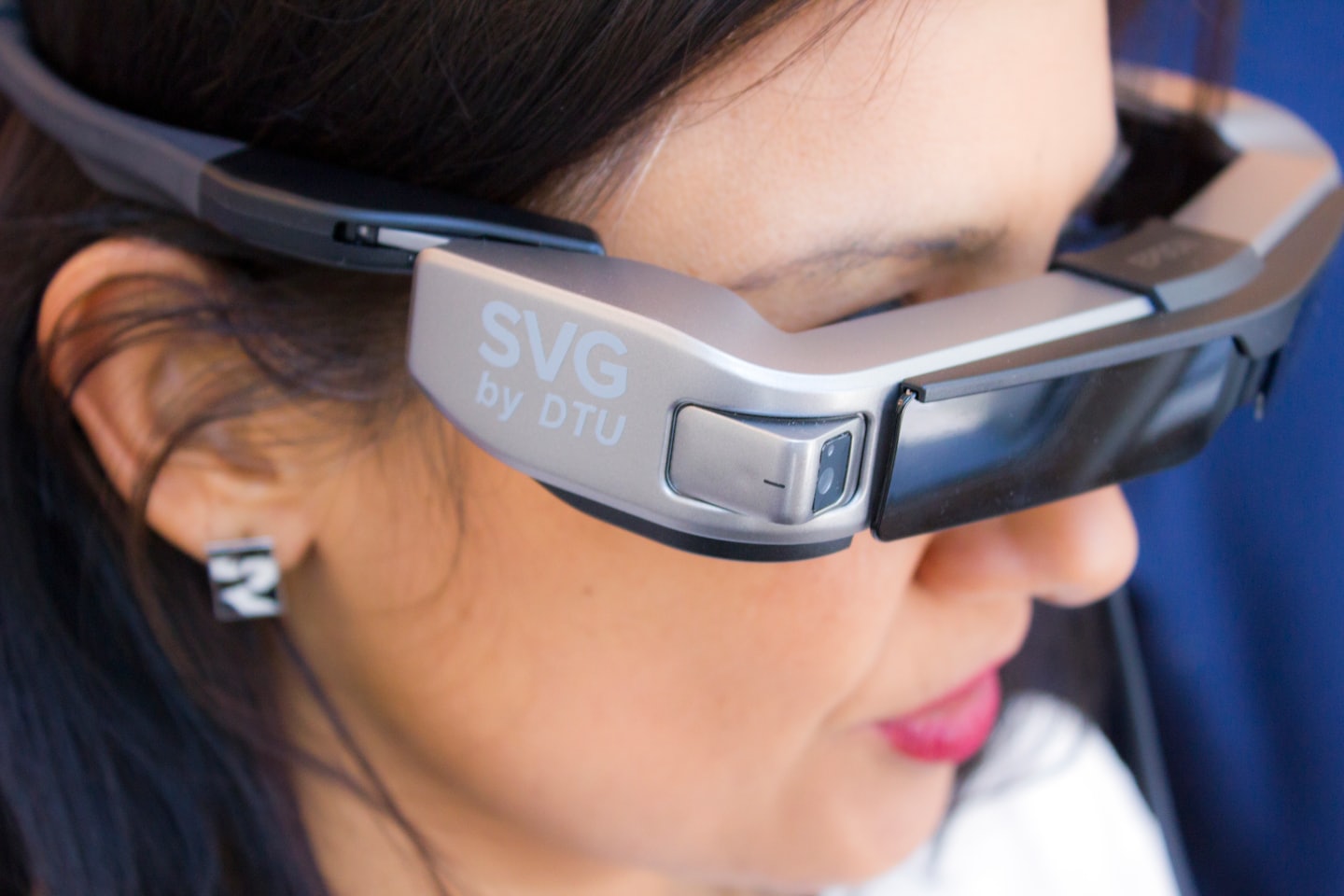
Getting Started
Learn the basics of using Seekey smart glasses for seamless phone integration.
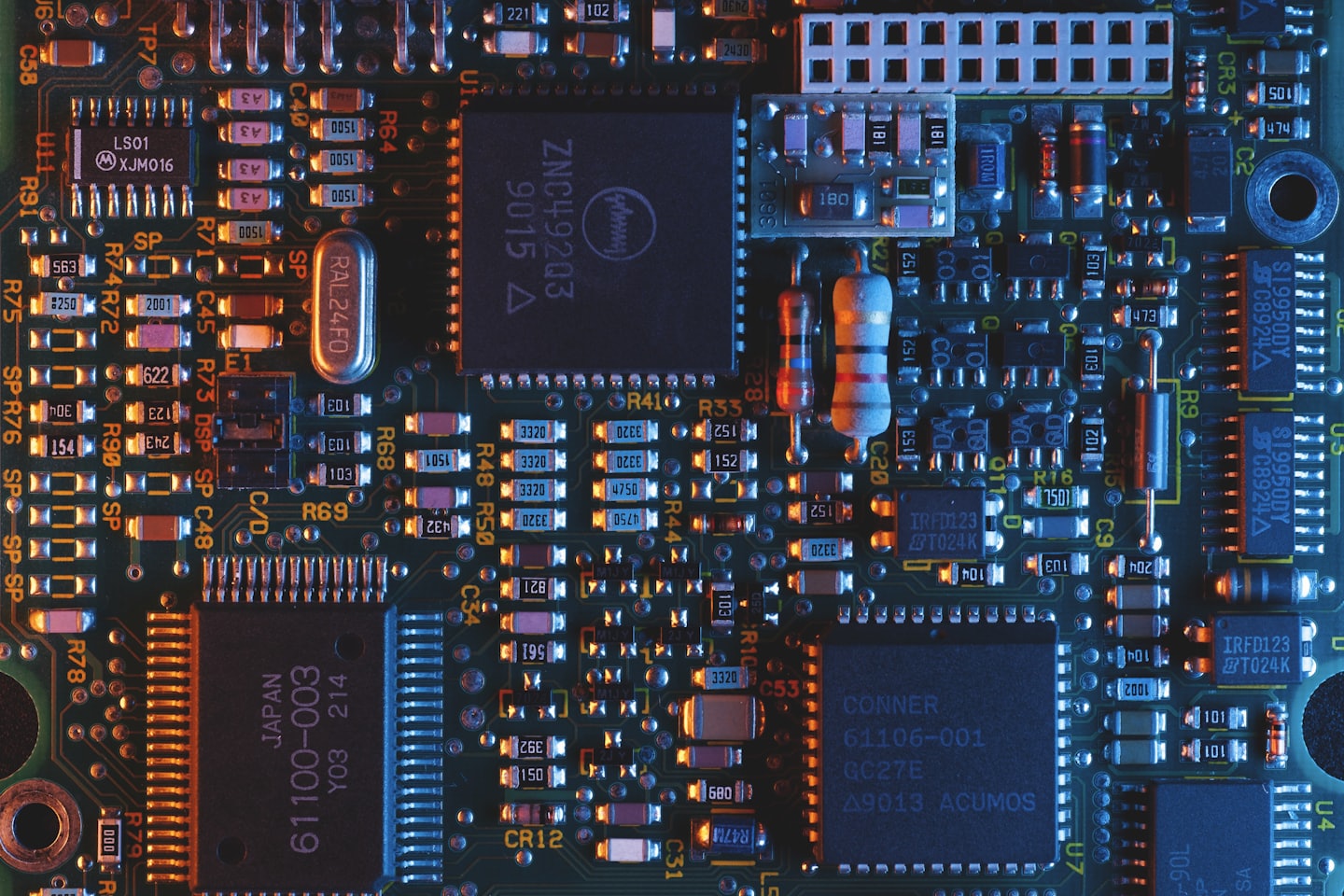
Security Features
Understand how Seekey protects your identity with advanced authentication.

Troubleshooting
Find solutions to common issues and optimize your Seekey experience.